Clayton Prints
Building a WooCommerce store for printing equipment with 150+ SKUs across 8 product categories.
- Industry
- E-Commerce / Retail
- Date
- February 2026
- Duration
- 3 weeks
- Read time
- ~3 min
- Services
- WooCommerce DevelopmentStore ArchitectureProduct Taxonomy
Clayton Prints sells printing equipment and supplies. Cutting machines, heat presses, sublimation printers, DTF printers, vinyls, inks, accessories. The catalog is large, the audience is specific, and the conversion path needs to handle both hobbyists researching their first machine and businesses restocking consumables.
The store runs on WooCommerce with a custom category architecture that maps the way printers actually shop, not the way the manufacturer categorizes. The result is a storefront that lets a first-time buyer find their starter bundle in three clicks and a returning customer reorder vinyl in one.
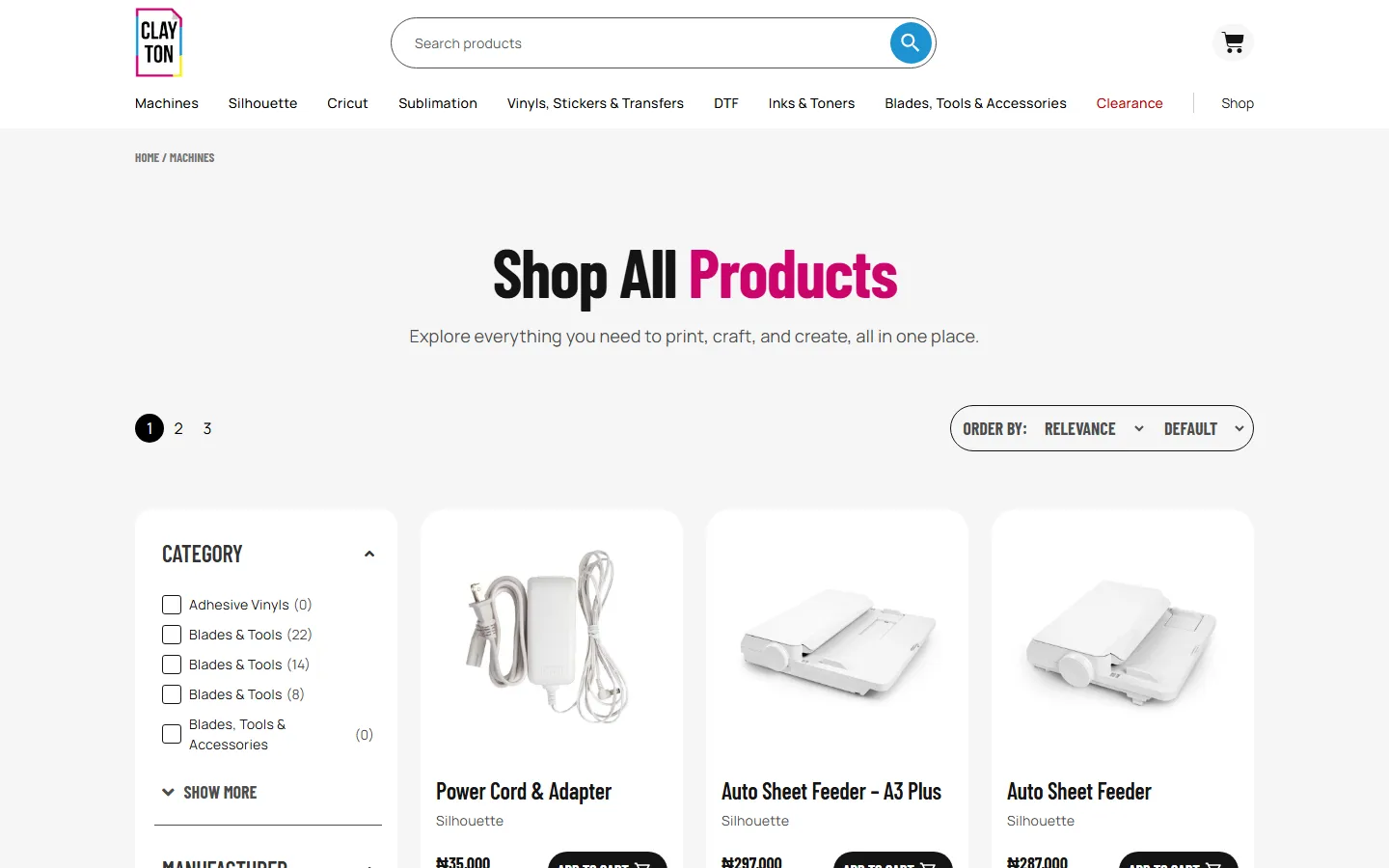
150+ SKUs, 8 categories, one storefront
The catalog spans machines, consumables, software, spare parts, and bundles. Each top-level category breaks down further. Machines has 14 subcategories (cutting, heat press, DTF, sublimation, laminators, engravers, embroidery, and more). Consumables has 8. The taxonomy had to mirror how buyers actually shop, not how the manufacturer organizes SKUs.
The IA work happened before any product was loaded. We mapped every existing SKU to its ideal category path, identified gaps where products didn't fit, and restructured the menu so a visitor could reach any product in three clicks from the homepage.
Shop page as the front door
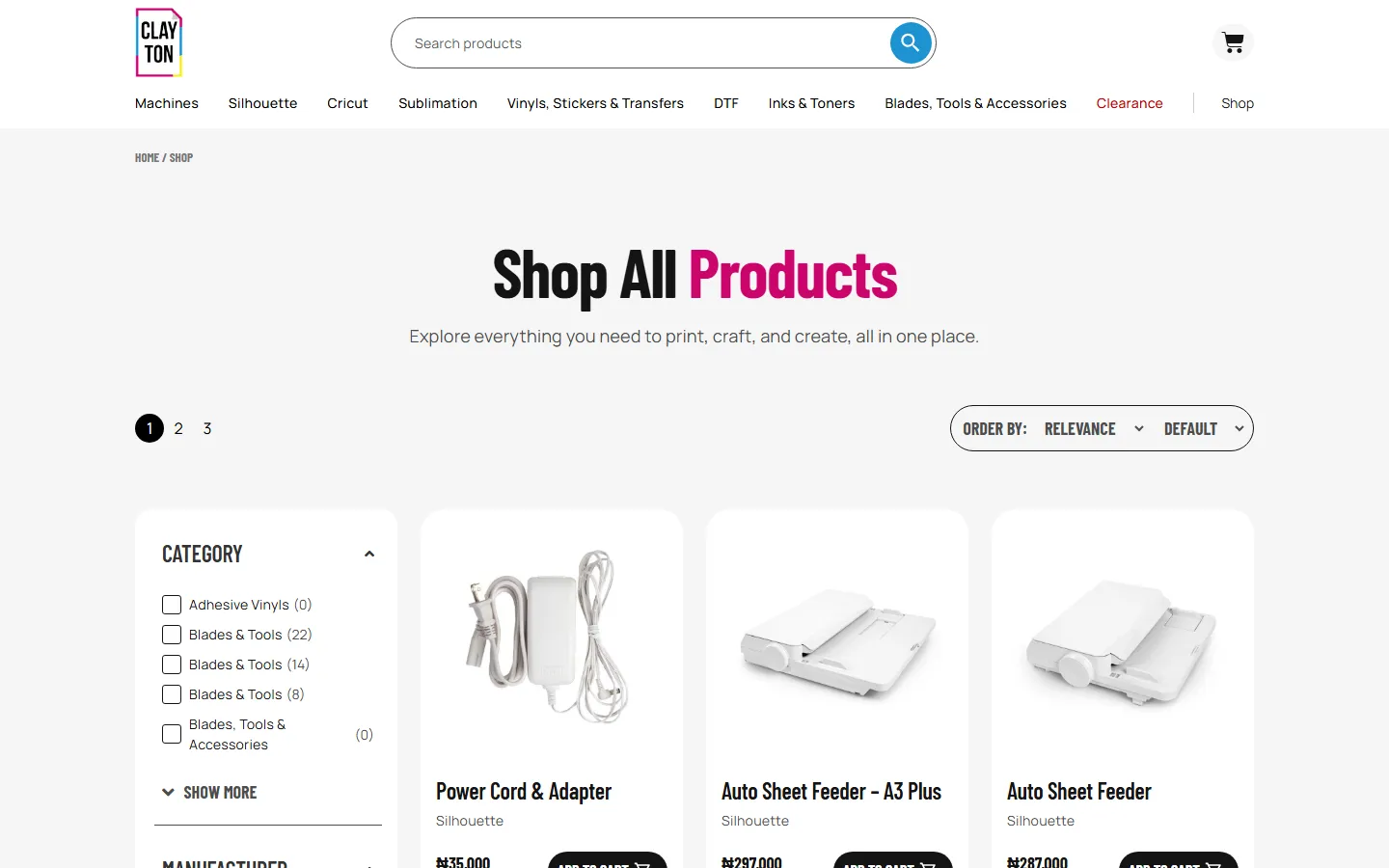
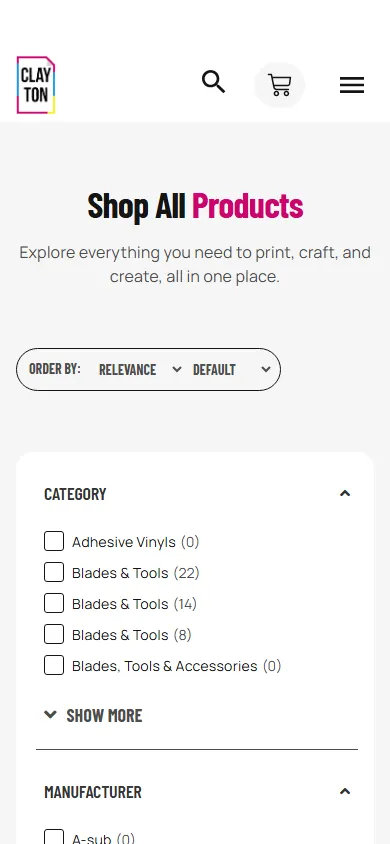
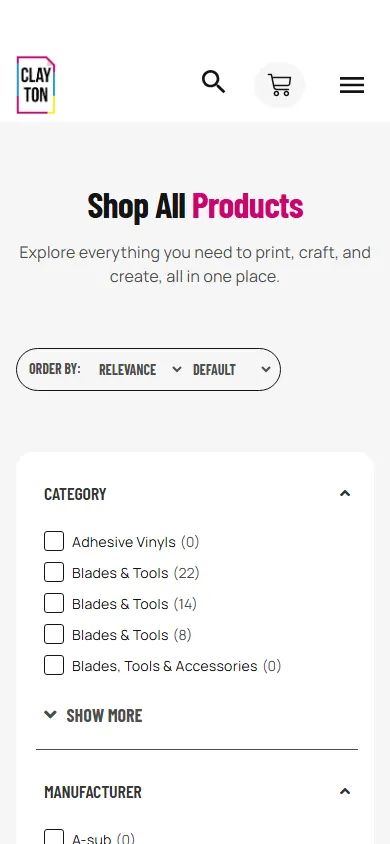
The shop page is the highest-traffic entry point, not the homepage. Most visitors arrive from a Google search for a specific product category. The shop page surfaces filters prominently, lets visitors narrow by brand, subcategory, and price, and shows enough product detail in the grid that buyers can make a shortlist without clicking into each item.
WooCommerce's default shop grid was customized to show product image, title, price, category badge, and a quick-add button. The filter sidebar was rebuilt from scratch because the default WooCommerce layered nav doesn't handle a taxonomy this deep.
Starter bundles as conversion anchors
First-time buyers don't know what they need. They know they want to start printing. The bundles section packages a cutting machine, heat press, vinyls, and accessories into a single purchase with a discount. This solves the analysis paralysis problem and increases average order value.
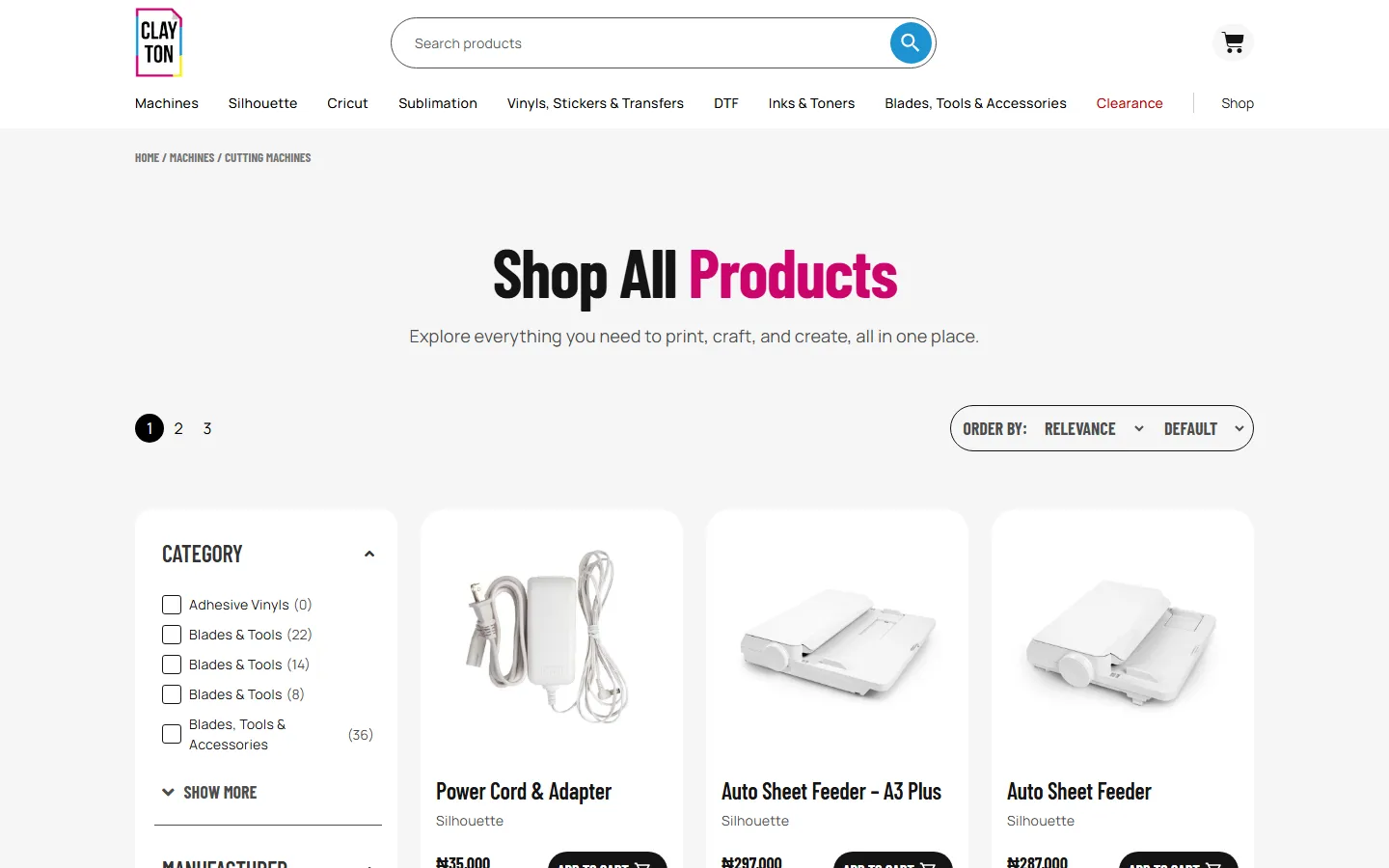
WooCommerce at scale
150+ products with 6 facets of filtering is heavy on WooCommerce. The default query was hitting the database 47 times per page load. We added a custom indexing layer, moved product variations to lazy-loaded panels, and cached filter queries. Page weight came down from 4.2MB to 1.1MB.
The result is a store that loads in 1.8 seconds on mobile 4G despite the catalog depth. The filter sidebar updates instantly without a full page reload.
Three weeks to launch
Week one was catalog architecture and WooCommerce setup. Week two was shop page, category templates, and bundle product type. Week three was performance optimization, payment gateway integration, and shipping rules. We launched with 150 SKUs pre-loaded and a content workflow that lets the store owner add new products without touching code.

Measurable outcomes
Joel understood that an e-commerce store with 150 SKUs needs to feel as navigable as one with 10. The taxonomy work he did upfront is what made the entire storefront click.
Mayowa Oduntan — UX Designer (thisismayor.webflow.io)
A storefront is judged by how fast a buyer can find what they came for. Every product in this catalog is reachable in three clicks, and every filter facet is one that buyers actually use.
Next
Atom
Building a digital front door for a creative experiential design agency.